Lab 1.5: How is the overall doc formatted–this section is under construction
Access the github repository. The instructions below are specific to the configuration of this document. Some docs have different structures
General Structure
The format of this doc is all in the docs directory
- important directories
- _static
- Images are stored in docs/_static/Class1
- class2 - Text formatting and dicument structure are defined in this section
- class2.rst Contains the structure of the top level title in the index
- labinfo.rst Contains the text of the top level title in the index
- module**#** Think about this as chapters. Each chapter has 2 components
- module**#**.rst Contains the structure of the top level title in the index
- lab1.rst Contains the text of the top level title in the index After cloning a document edit this text
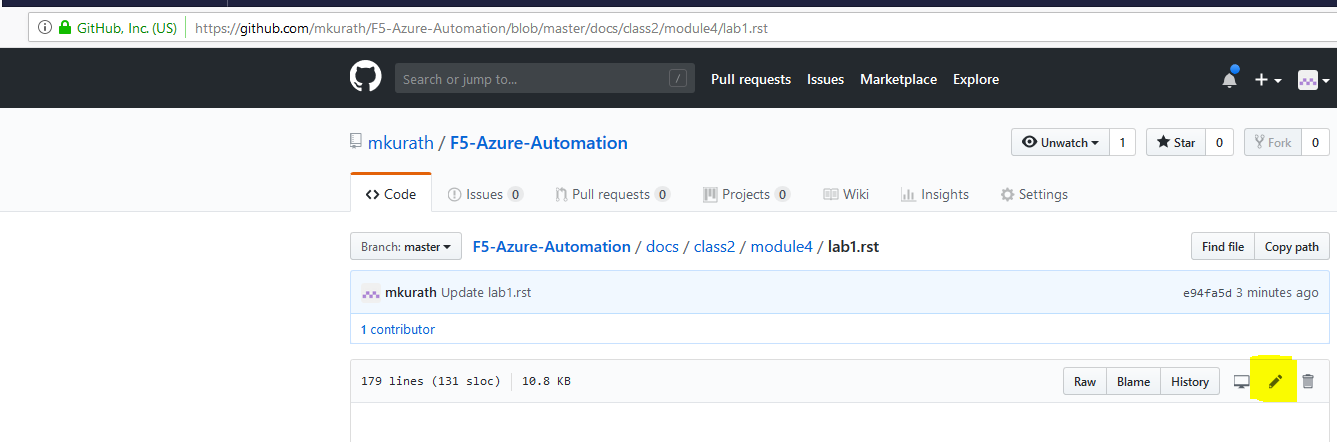
Clone an existing doc to a new repository
Adding Sections
- Create module**#**.rst and a lab1.rst in a new directory under docs/class2.
- copy the contents from an existing module**#**.rst
- navigate to docs/class2
- Click the Create new file button
- enter module**#**/module**#**.rst Note: # wil be your new subdirectory
- Paste the contents from the existing module**#**.rst into the new file
- copy the beginning of the contents from an existing lab1.rst This helps with consistent formatting. You will probably replace all the text
- navigate to docs/class2/module**#** Note: you created a new module# in the prior steps
- Click the Create new file button
- enter /lab1.rst Note: # will be your new subdirectory
- Paste the partial contents from the existing lab1.rst into the new file
- Edit the new lab1.rst as sescribed in the preceeding chapter